 MIDI Forge · iPad · Coming soon
Reshape MIDI in real time.
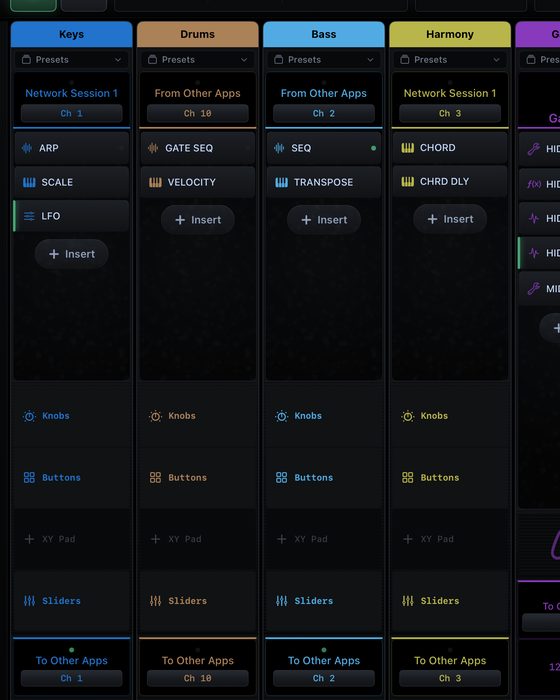
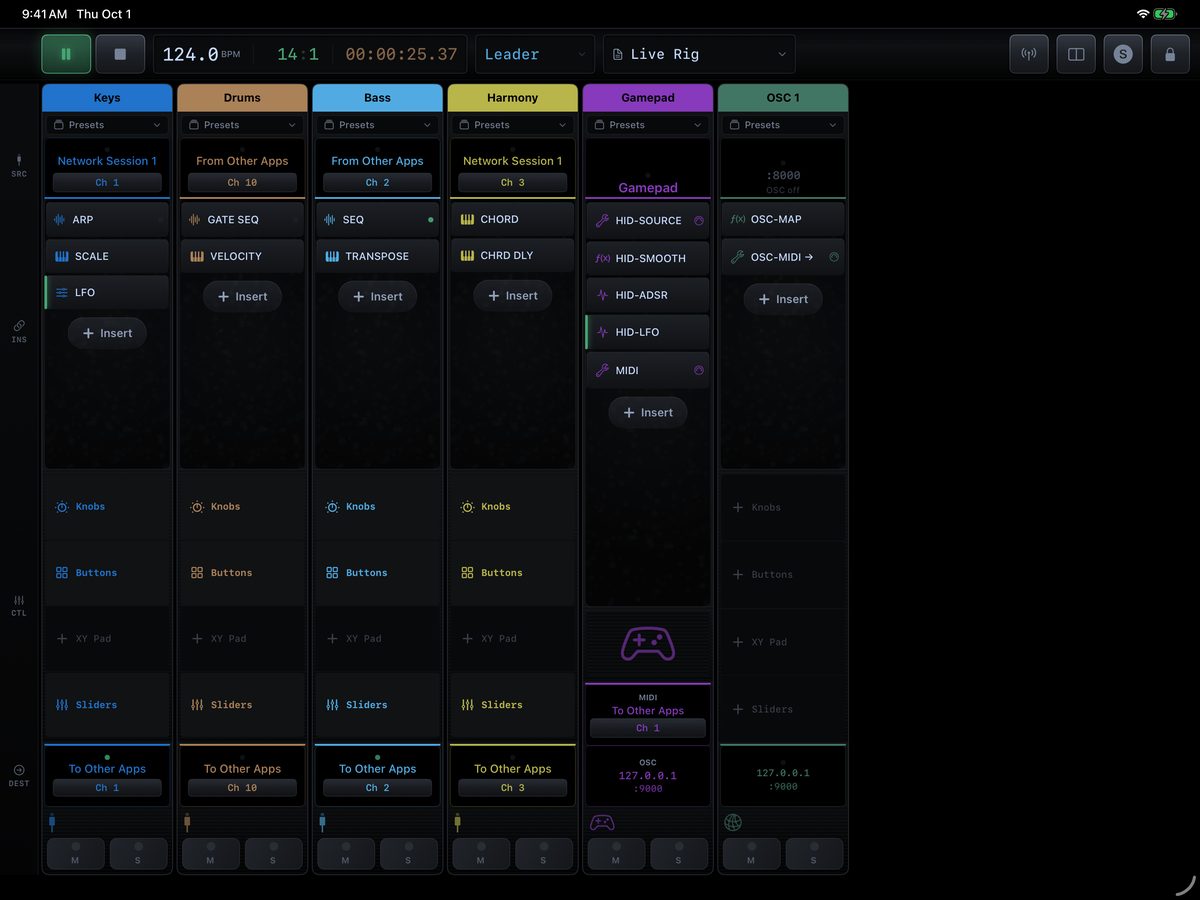
MIDI Forge is a modular processing environment for MIDI, OSC and game controllers. Build a mixer of channel strips, chain arpeggiators, sequencers, scales and LFOs on each one, and send the result to your hardware, your other apps or the network — then play it live from one screen.
Coming soon to the App Store for iPad.
A studio utility you’ll keep open all day.
Simple to start: pick an input, add an insert, choose where it goes. Deep when you need it: dozens of inserts, stacked in any order, on as many strips as your rig needs.
Channel strips
Each strip is an input, a chain of inserts and a destination. MIDI strips for instruments and controllers, OSC strips for the network, HID strips for game controllers, and process strips that tap another strip’s signal before or after its inserts.
Note generators
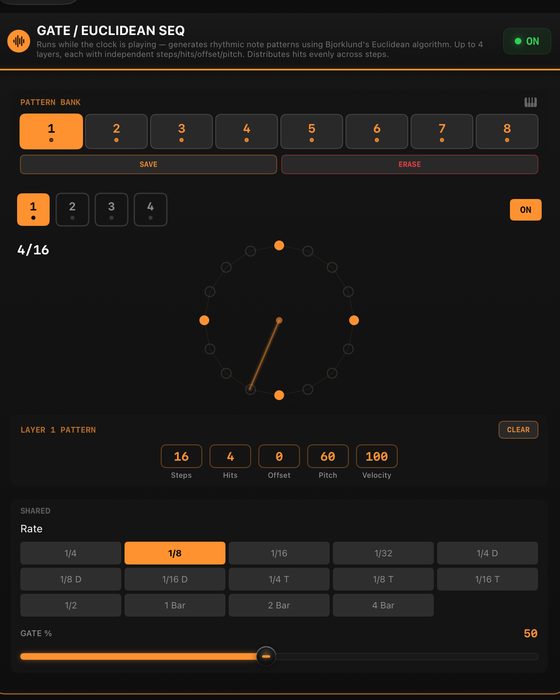
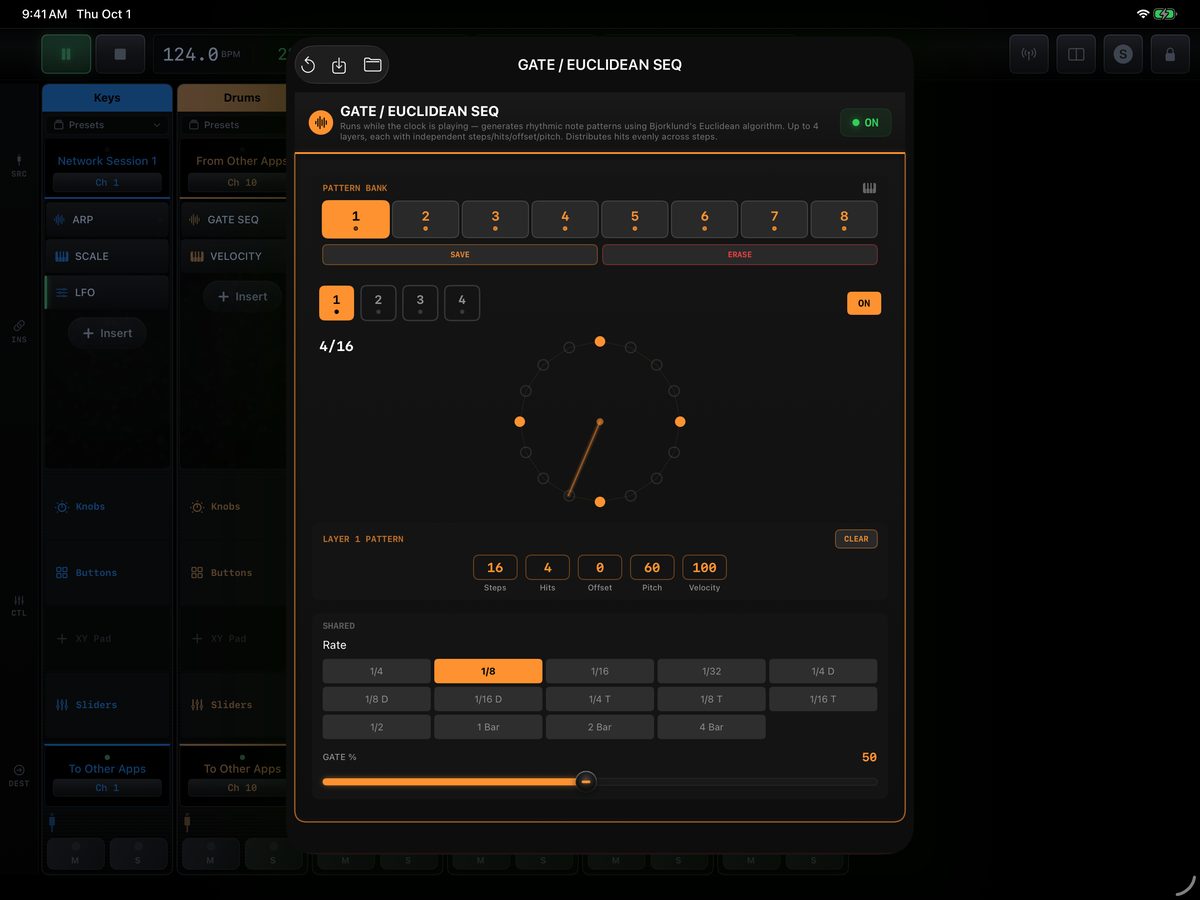
An arpeggiator, a step sequencer, a Euclidean gate sequencer with up to four layers, random notes, a MIDI file player and a click track, all locked to the clock.
Note transforms
Scale and chord modes, a transpose map, chord delay for strums, velocity remapping and MIDI delay — shape what you play before it reaches the instrument.
Modulation
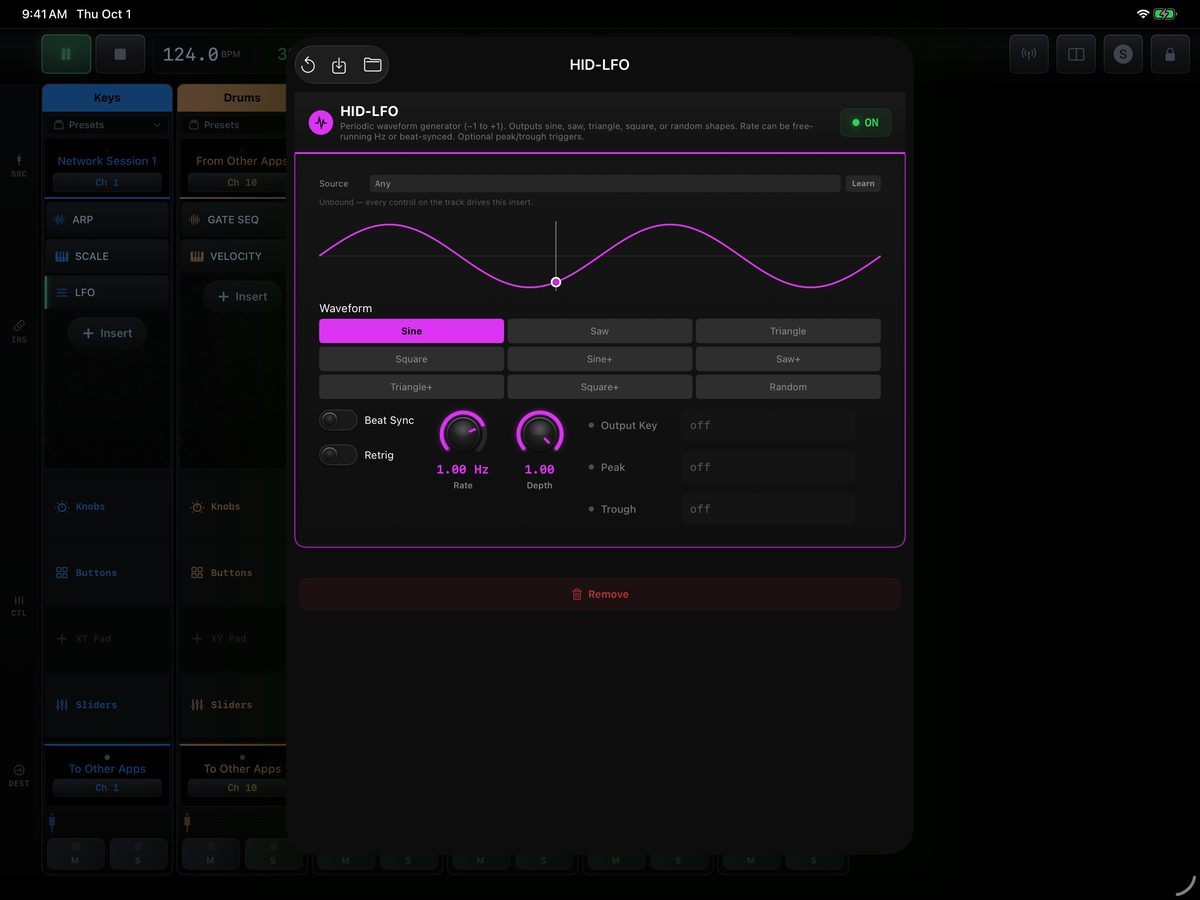
LFOs and AR, AD, ASR and ADSR envelopes, CC mapping, random CC, automation ramps and a CC recorder, sent as CCs or OSC.
Game controllers as instruments
Pair a controller and every stick, trigger and button shows up with live values. Smooth one axis, fire an envelope from a trigger, toggle a gate from a button, and send it all out as notes, CCs or OSC.
OSC in and out
Receive OSC from any app or computer on the network, map it with linear, exponential, log or S-curves, and send OSC back out to the addresses you choose.
Clock and sync
Lead or follow MIDI clock with transport, send 24 PPQN clock to your hardware, or join an Ableton Link session. The clock keeps running in the background.
Works with your other apps
MIDI Forge shows up as a MIDI port called MIDI Forge, so Logic Pro for iPad, GarageBand and any app that lists MIDI devices can send to it and play from it.
Built to play live
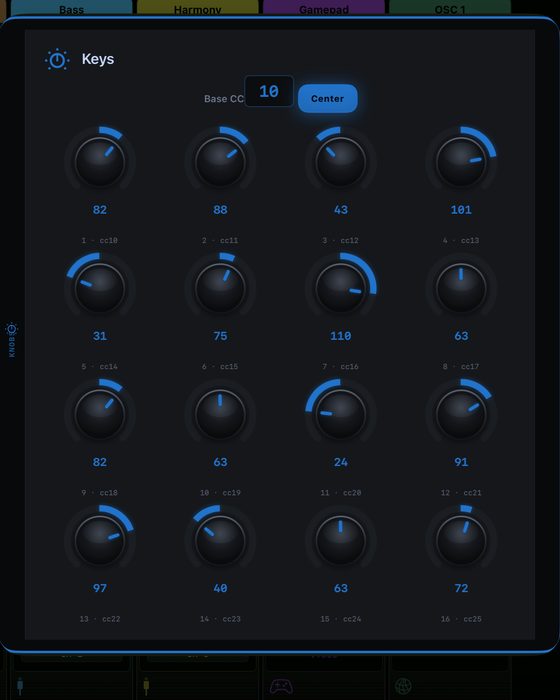
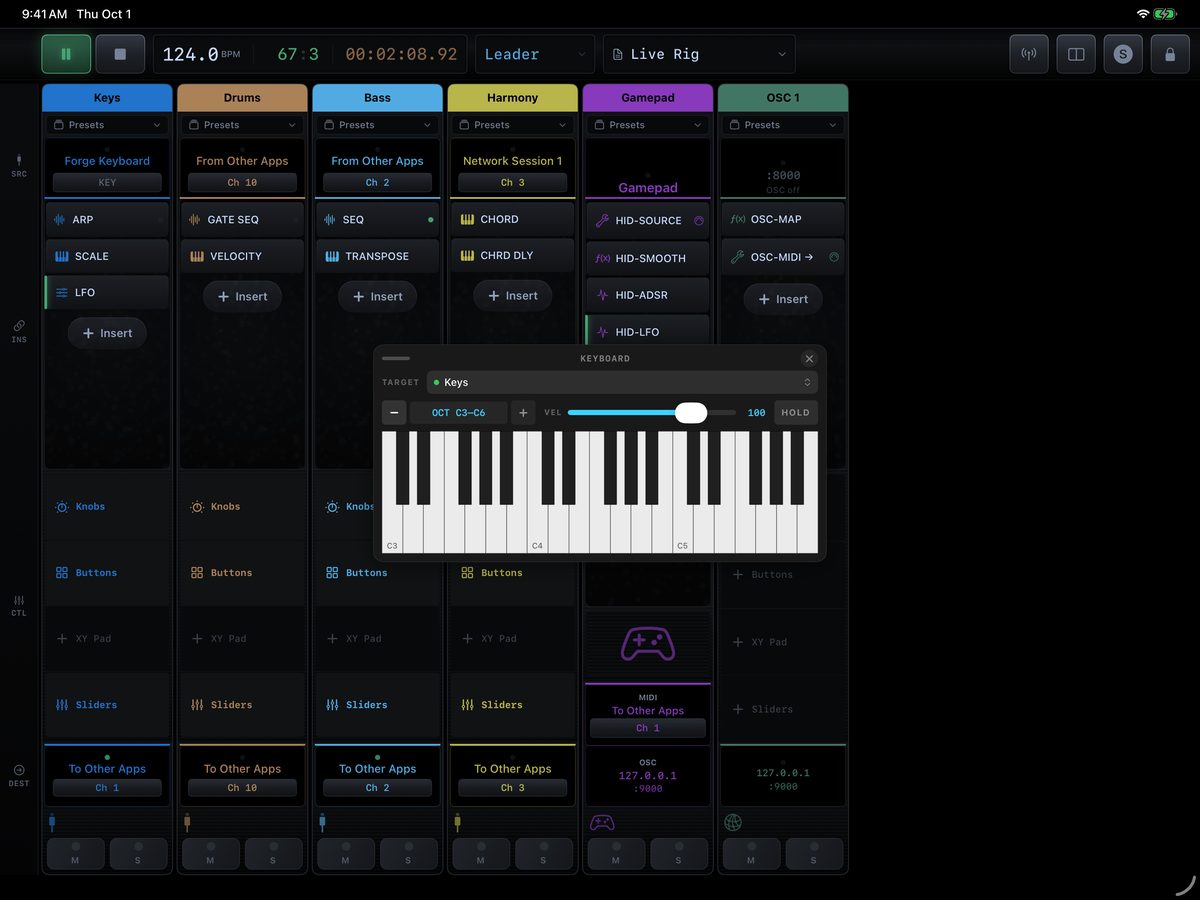
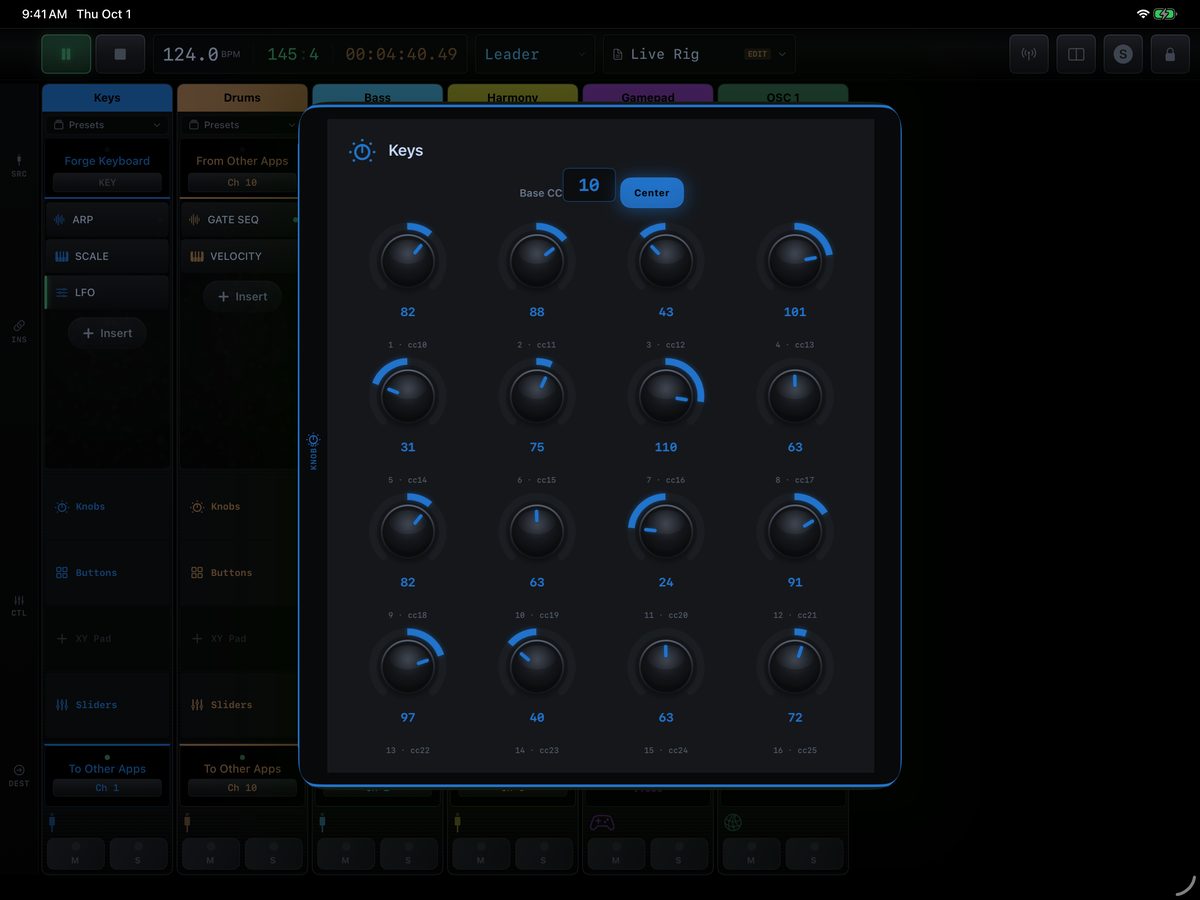
Knobs, buttons, an XY pad and sliders on every strip, an on-screen keyboard you can aim at any strip, mute and solo, and a transport with bars, beats and time.
Everything around the strips.
Keep your setups, protect them on stage, and see exactly what’s flowing through.
Presets at three levels
Save the whole mixer, one strip to drop onto another, or a single insert’s settings to reuse in any chain.
Edit, then lock to play
Build in edit mode, then lock the mixer so nothing moves mid-set. Routing stays changeable either way.
MIDI monitor
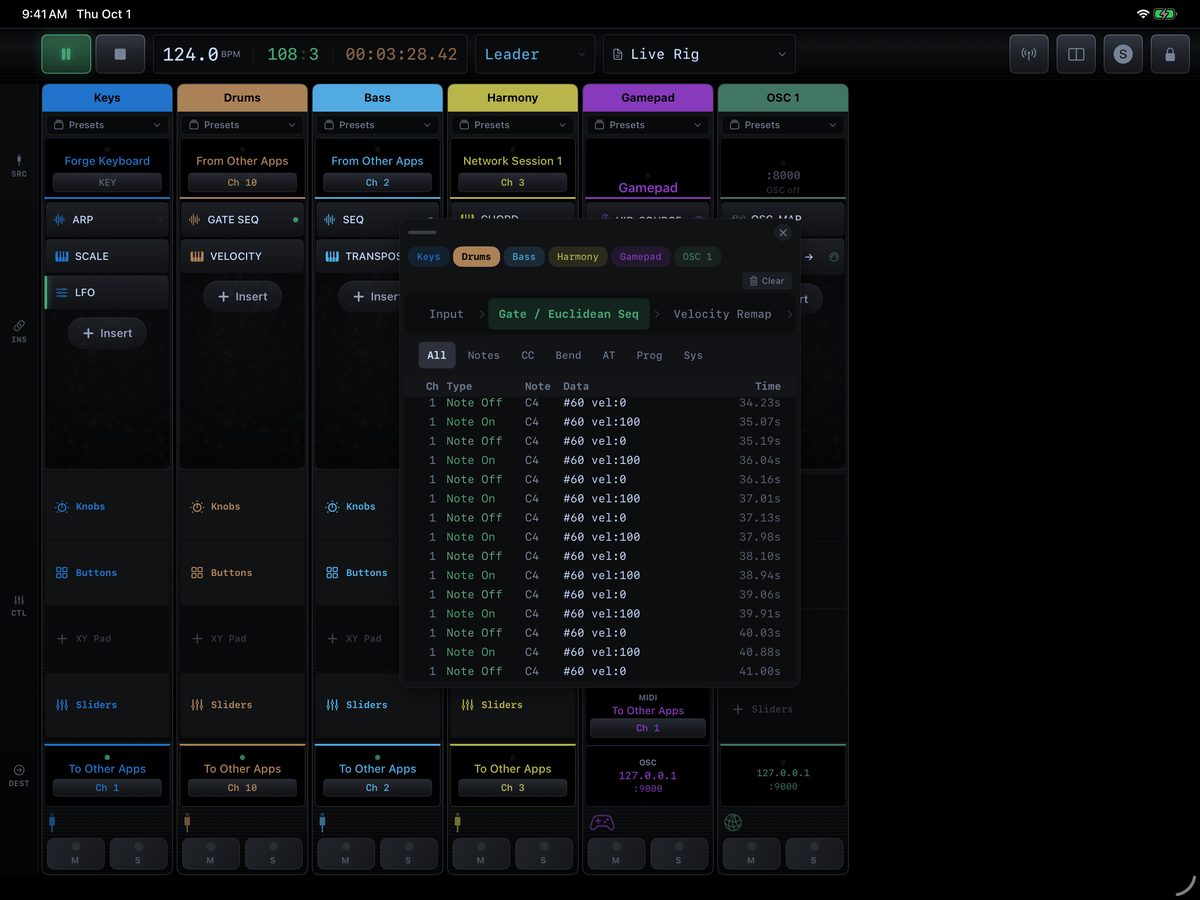
Watch any strip at any point in its chain — before the inserts, after each one, or at the output — filtered by notes, CCs, bend and more.
Runs in the background
Switch to your synth app and MIDI Forge keeps processing and sending clock.
A look inside.
Every strip, insert and control on one screen — built to be read at a glance while you’re playing.
Swipe to see more.